Your Complete Website Audit Checklist
If your website enquiries are inconsistent (or suspiciously quiet), something’s not clicking. And it’s probably not one big, obvious issue you can fix in five minutes.
Most of the time, it’s a build-up of small things working against you. It’s the messaging that almost lands but doesn’t quite hit, the extra pages that look nice but don’t guide people anywhere, the lack of trust in your authority — they all build up and quietly leave visitors thinking, “eh, maybe later” instead of actually reaching out.
So I put together a quick website audit checklist to walk you through how to properly review your site to find all those little issues that are turning clients off. This is the exact stuff I look at when working on client websites, and you’ll be shocked at how many issues your website has when you start looking at it objectively.
DIYing your website copy & SEO doesn’t have to be overwhelming.
The Website Growth System walks you through how to write high-converting copy and optimise your entire website so you can confidently boost traffic, inquiries, and sales. Packed with templates, copywriting scripts, and tutorials, it’s everything you need to make your website shine on a budget.
What is a Website Audit?
A website audit is basically a reality check for your site. A deep look at whether it’s actually doing its job, not just sitting there looking pretty.
Because contrary to what many service providers believe, your website isn’t just a portfolio to send clients to. It should be quietly, consistently generating inquiries for you while you get on with client work.
The issue is most website audits obsess over SEO scores, page speed, and technical tweaks… which is great, but wildly incomplete. You can have a technically “perfect” website and still struggle to get enquiries if your message is vague, your pages don’t flow, or your offer isn’t landing the way you think it is.
That’s why this website audit checklist goes further. We’ll look at the whole picture, not just how your site performs, but how it communicates, connects, and converts. Because that’s the part that actually turns visitors into clients.
Related: How to Book Clients Without Social Media
How to Use This Website Audit Checklist
It’s time to get real honest with yourself here. Take off the rose-tinted glasses and try to really see your website as a new client who doesn’t know you yet.
Open up your website, grab your favourite notebook and pen, and answer all the questions in this checklist honestly.
If you’re consistently unsure about the answer to the website audit checklist questions, that’s a big ol’ red flag that something needs work. Because if you’re not sure about your website, your potential clients definitely aren’t.
1. Website Foundations Checklist
Before diving into content, let’s make sure the basics on your website aren’t undermining everything else.
✔ Domain & Branding
Is your domain easy to spell and remember?
Does your brand feel consistent across pages?
Do fonts, colours, and tone feel intentional?
Consistency is key here. If your pages keep switching colours, fonts, and structures, it will feel fractured and put clients off. There needs to be a confident thread of branding throughout.
✔ Mobile Experience
Is the site fully usable on mobile?
Are buttons easy to tap?
Does important content get pushed too far down?
Buttons that don’t work and pages that don’t automatically adjust to mobile screens are such a turn-off to visitors. And unless you go through your website as a visitor and check, it’s difficult to know where the broken links are.
✔ Load Speed
Does the site load in under 2.5 seconds?
Are images compressed?
Are there unnecessary animations or plugins?
Slow sites lose trust fast, especially for service businesses. Use Pingdom’s page speed checker to make sure your site is loading fast enough.
Related: The New SEO: Why Trust and Expertise Matter More Than Keywords
2. Homepage Messaging Audit Checklist
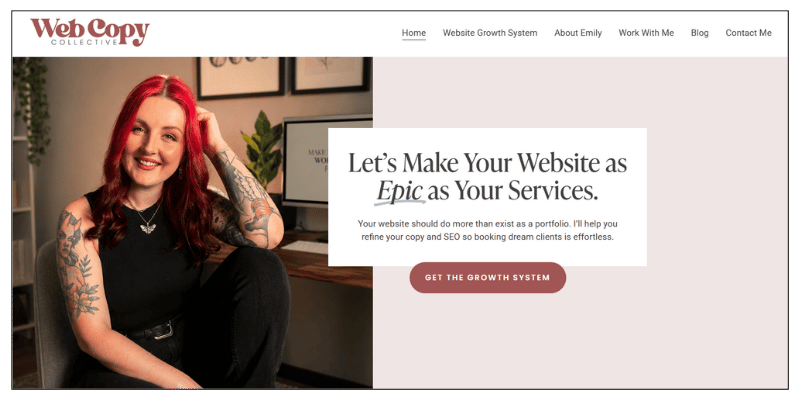
Your homepage copy has one job: help the right person instantly feel like they’re in the right place. So, this section of the website audit checklist focuses on optimising your homepage for sales:
✔ Clarity
Can a first-time visitor understand what you do in three seconds?
Is the headline specific, not vague?
Would your ideal client recognise themselves?
Your top banner needs to tell clients what you offer, who you work for, and the value of working with you. You’ve got seconds to make your ideal clients feel like they’re home.
✔ Positioning
Do you explain who your service is for?
Do you explain why you’re different?
Or does it sound like every other site in your industry?
Your copy is a chance to connect, so let your personality come through. Whether you’re bubbly, funny, dry, or a freaking badass — I want to feel it in your homepage copy.
✔ Call to Action
Is there a clear next step?
Is the CTA visible without scrolling?
Does it feel inviting, not pushy?
Homepages need crystal clear call to actions to lead your visitors deeper into your website. I like to include links to service pages, digital products, my about page, and blogs to give visitors plenty of opportunities to stick around.
3. Service Page Audit
Your service page does some seriously heavy lifting. It’s got to convince visitors you’re an expert, you have a valuable service, you can solve their problem, and now is the right time to work with you (phew!). Here’s what to look for during your website content audit:
✔ Structure
Is it instantly obvious what services you offer?
Is the page scannable with clear sections?
Does it guide the reader through a story that moves down them down the page?
Service pages can feel overly professional, but they’re a great place to connect with visitors and craft a compelling story.
✔ Client-Focused Language
Is the copy written in “you/your” language, not “I/me”?
Does it focus on outcomes, not just features?
Does it explain what changes after working with you?
Your clients should be visualising how incredible it’s going to be working with you. So, is the value you offer obvious, or is it buries beneath lists of features and deliverables?
✔ Objections & Questions
Does it answer common concerns?
Is pricing or investment explained clearly?
Does it reduce uncertainty?
I always suggest making your pricing clear. Even if you just have a simple “Prices start from…”, it helps to qualify the right clients. A quick FAQ section with common questions answered is another way to help your potential clients get over those final jitters.
4. Blog Content Audit Checklist
If you’re not writing blogs every single month for your business, where have you been? Content marketing is my favourite way to boost traffic and book clients as an introvert. This is where SEO and trust quietly build over time.
✔ Content Purpose
Does each blog have a clear goal and answer a real client question?
Is it designed to inform, persuade, or convert?
Writing blogs for the sake of posting something won’t give you results. Each blog needs to be genuinely helpful to not just generate traffic but make readers stick around long enough to see you as an expert.
✔ Depth & Value
Does your blog content genuinely help someone?
Does it demonstrate your expertise?
Would a reader learn something?
Each blog should tie into your services and offers. It can start to feel repetitive, but it shows you’re a go-to authority in a niche.
✔ SEO Basics
Does each page target one main keyword?
Are headings clear and descriptive?
Does each blog have a meta description, clear ULR slug, and optimised meta title?
I have an entire post on boosting blog SEO you can read to supercharge your blog traffic!
5. Trust & Credibility Audit
People don’t hire services providers they don’t deeply trust first. Which is why trust-building is a separate, high-priority section of your website audit checklist.
✔ Social Proof
Are testimonials easy to find?
Do they describe outcomes, not just “great experience”?
Are they relevant to your current services?
I want to see testimonials on every key page of your website, even if you have to repeat them because you don’t have enough yet.
✔ Authority Signals
Do you show your experience clearly?
Are there case studies, examples, or insights?
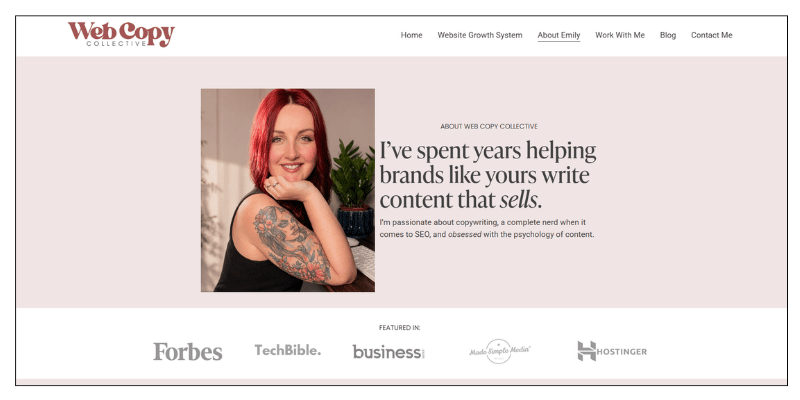
Do you have a “featured” section or something to show your work is already loved?
This is the time to brag. I don’t care if you got your degree three decades ago, it’s going on your website and you’re going to be proud of it!
✔ About Page
Does it explain why you do what you do?
Does it connect your experience to client outcomes?
Does it tell the human story behind your brand?
Your about page is a space to let the creative juices flow and tell your story. Most people interested in your services will go to your about page first, so make sure it has all the stuff that shows you’re an expert and a fun human to work with.
6. Conversion Path Audit
When visitors land on your website, it’s like someone visiting a town they’ve never been to before. They need road signs, directions, a gentle hand to show them all the best spots.
✔ Navigation
Is your main menu simple and logical?
Are there too many options?
Is there more detailed navigation in your footer?
Your main navigation should be as paired back as possible: service page, about page, blog, contact, digital product. That’s it. Then, your footer navigation can be used to link to more pages to give more options.
✔ CTAs Throughout the Site
Are CTAs on every main page?
Do they match the reader’s stage?
Are they helpful, and action-focused?
If a reader gets to the end of a page and there’s no button or link, chances are they’ll leave your site entirely. There should always be a next step at every junction of your site.
✔ Contact Experience
Is it easy to get in touch?
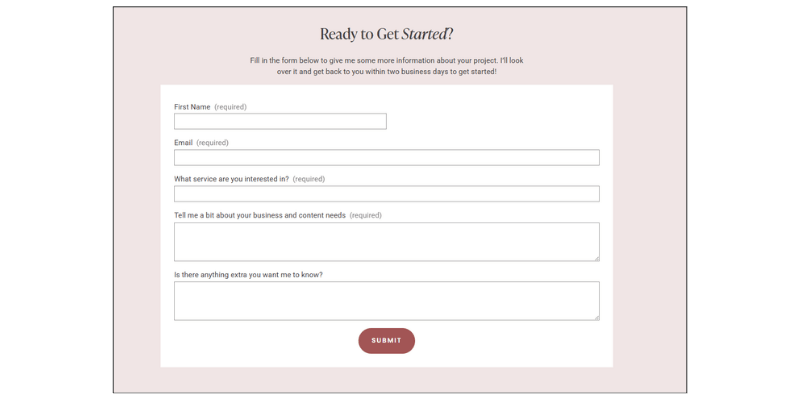
Does the form ask for too much?
Does the next step feel clear?
Overly complicated forms can scare off visitors, especially if you’re asking for too much personal information (do you really need their address?). Getting in touch with you or taking the next step to hire you should be easy, seamless, and guided.
7. Alignment Audit (The Most Overlooked Part)
This is where many websites quietly fail without even knowing it. Ask yourself:
Does my website reflect the business I have now?
Does it match my current level of experience and confidence?
Does it attract the kind of clients I want to work with today?
If your site was written years ago, for a different audience, or at a different stage in your business, it may be misaligned, even if it “works.” That means attracting the wrong clients or giving off the wrong vibe that makes you lose confidence in your site.
Want a Done-For-You Website Audit?
All of that was a lot, I get it. But auditing a website isn’t easy, it takes a lot of honest work and the kind of objectivity it’s hard to have for your own website.
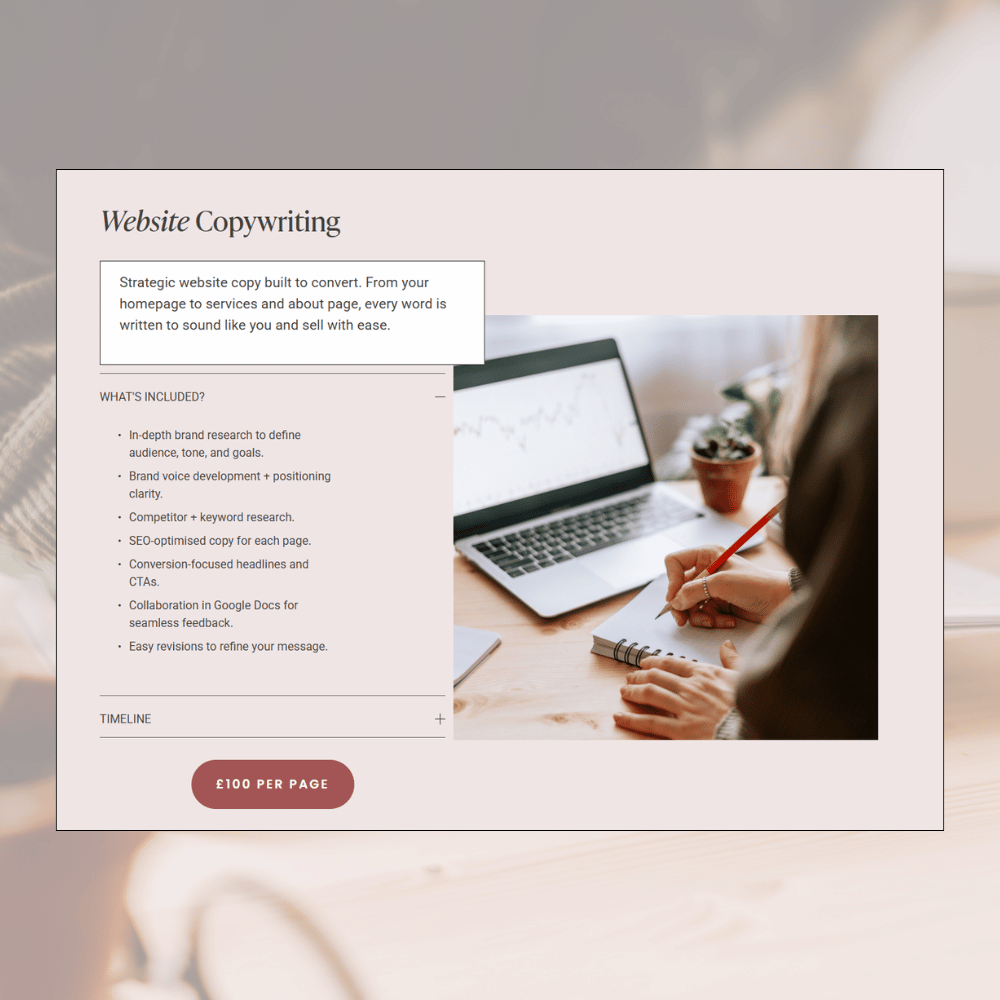
Fortunately for you, I offer website audits. So, if you’re totally stuck and want a pair of fresh eyes, I’ll look at everything we’ve covered in this blog and create a detailed, step-by-step audit that shows you exactly what your website is missing and how to make it the best it could possibly be.
If you’re interested, you can reach me through my service page to get started.